
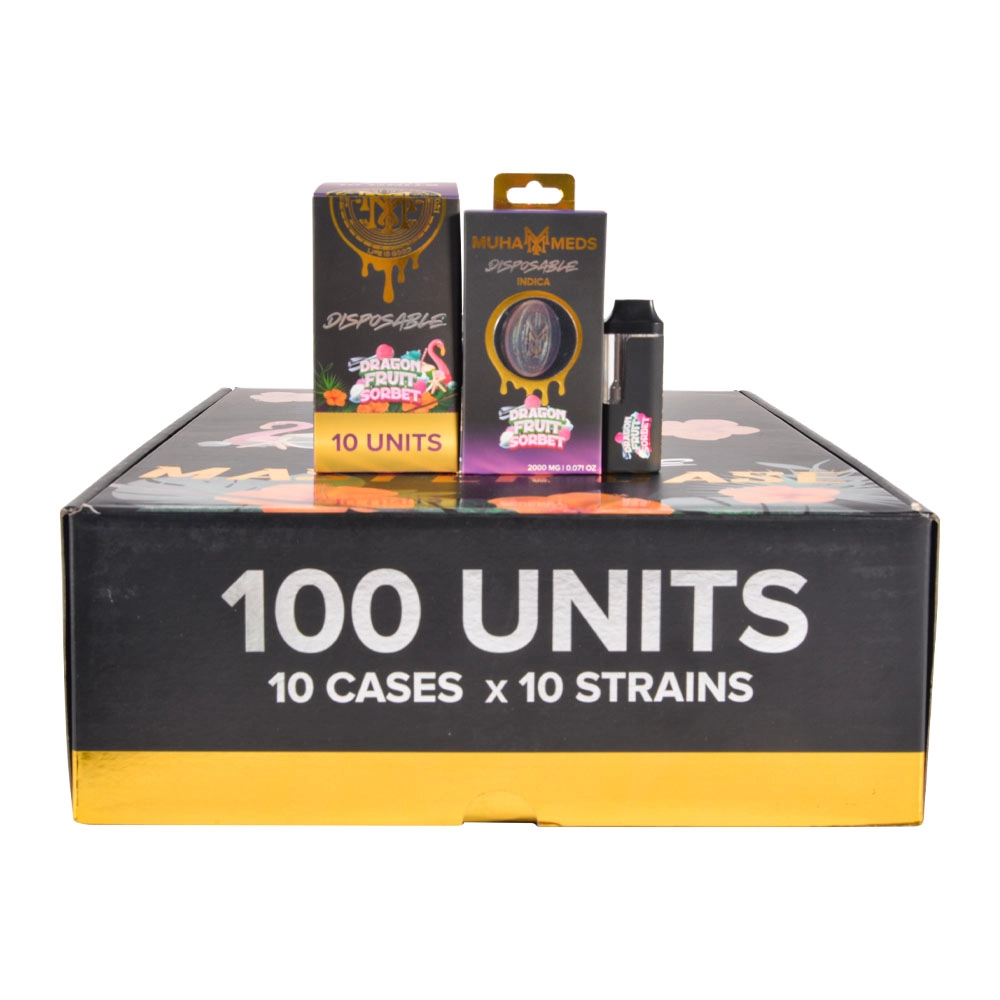
Muha Meds COA Guide: Easy Steps to Verify Your Vape
Adults 21+ only. Educational content only—this is not medical or legal advice. If you feel unwell after vaping, seek medical care. Public health agencies advise avoiding THC-containing vaping products from informal sources (friends, family, or dealers) because unsafe additives were linked to the EVALI outbreak.
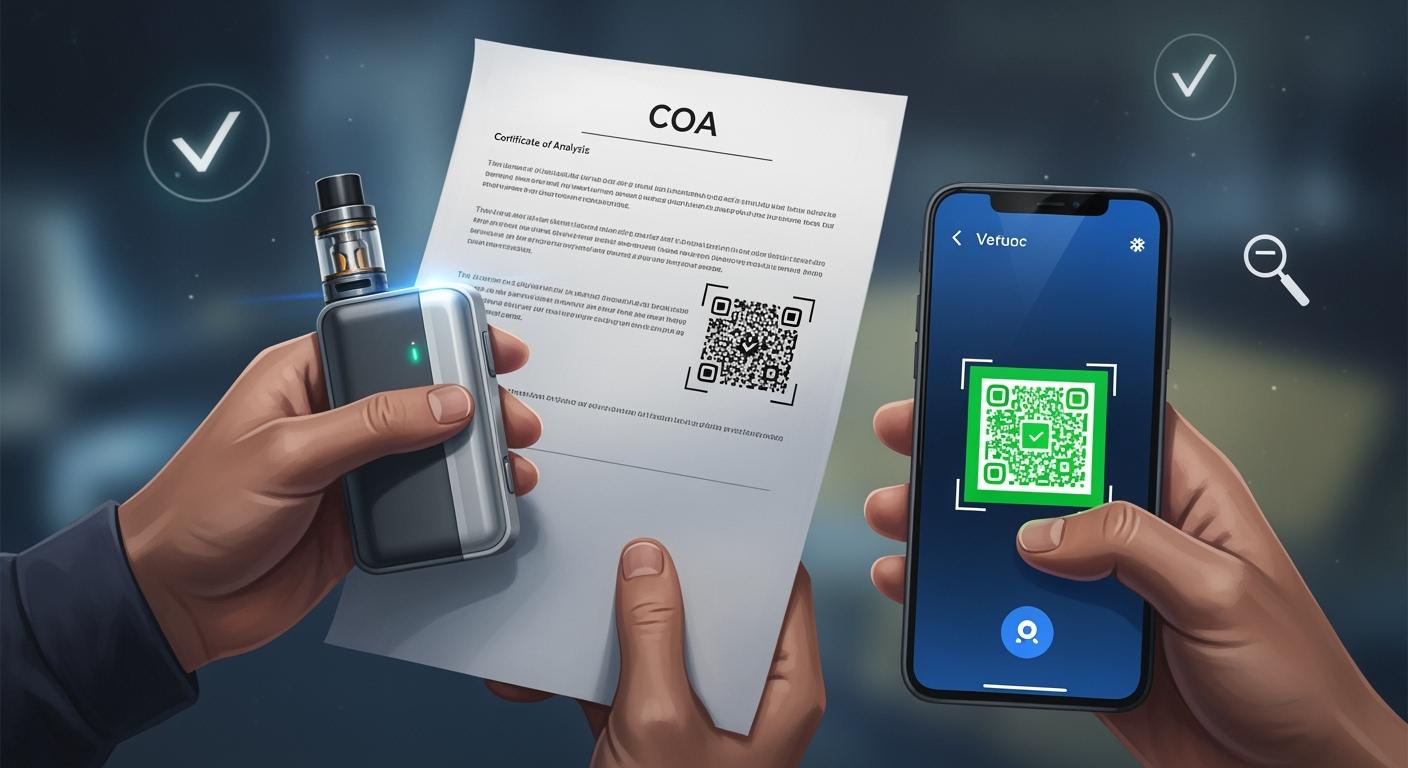
Counterfeits often fail on one simple rule: they can’t produce a real, batch-matched Certificate of Analysis (COA). This guide shows a practical verification chain you can repeat every time: (1) use the brand verification flow, (2) open the COA, (3) match identifiers, and (4) read contaminant PASS/FAIL results. Always rely on verifiable documents and IDs—not taste, hype, or “trust me” stories—when browsing muha meds wholesale, muha meds disposable bulk, or muha meds bulk 2025.
Key Takeaways
-
A COA is a certified lab report; use it to screen safety/quality testing and confirm the product identifiers match your package.
-
Verification must be “batch-matched”: the COA’s batch/lot or sample ID should match the box label.
-
Any missing COA, mismatched IDs, or failed contaminant panels are red flags—do not use the product.
What Is a COA?
COA Definition (Plain English)
A Certificate of Analysis (COA) is a certified laboratory report that shows testing results for a specific product batch. Regulators publish consumer guides explaining that COAs help people access information about cannabinoids and potential contaminants.
Important: A COA is a snapshot of one batch at one time. It helps you verify documentation and screen for red flags, but it can’t guarantee how a product was stored or handled after testing.
Why “Regulated COA Access” Matters
Consumer regulators commonly instruct buyers to look for a QR code or link to the COA on regulated products. For example, New York’s consumer guidance notes regulated products should provide a QR code or link to that product’s lab testing results.
Muha Meds Verification: The Safe Workflow
Step 1: Find the Verification Sticker, QR Code, and Batch/Lot Info
Start with the packaging. Look for a verification sticker, QR code, and a printed batch/lot identifier. If there is a scratch-off area next to the QR code, that usually hides a unique verification code.
-
QR codes should scan cleanly and route to an official verification flow.
-
Batch/lot (or similar) identifiers should be clearly printed and consistent across box + COA.
-
Scratch-off codes should look “one-time-use” (not repeated on multiple boxes).
Step 2: Use the Official Verification Flow (Code Entry or App Scan)
Use the brand’s verification page or official scanning flow to validate the code and access authenticity info. Muha Meds publishes verification instructions that include locating the sticker, scratching the code, scanning the QR, and entering the unique verification code.
Muha Meds also promotes its Muha Members app as a scan-to-verify tool for authenticity checks.
Step 3: Open the COA and Match the Identifiers
Don’t stop at “Verified.” Open the COA and match it to your package. Regulators explain that COAs include product identifiers (like product/sample info and license/lab details) plus required testing results.
Step 4: Read PASS/FAIL Results for Safety Panels
The most useful part of a COA for safety is the contaminant testing section: pesticides, heavy metals, microbes, and residual solvents (categories vary by jurisdiction). New York and New Jersey both publish consumer guides showing how to look for these panels and interpret results.
Table: 60-Second Verification Checklist
|
Step |
Action |
Pass Condition |
|---|---|---|
|
1 |
Scan QR / locate scratch code |
Routes to official verification flow; code looks unique |
|
2 |
Open COA from the verification flow |
COA loads; not a broken link or generic “template” PDF |
|
3 |
Match identifiers |
Batch/lot or sample ID matches the package label |
|
4 |
Check contaminant panels |
Required panels are present and show PASS / below limits |
|
5 |
Decide |
Use only if the COA is batch-matched and panels are clean |
COA Field Checklist (What to Match)
Table A: Header Fields That Should Match Your Package
COA formats vary by lab, but consumer guides commonly show consistent “header” sections that identify the product and the test record. Use this table to check the COA is batch-specific (not generic).
|
Field |
What You’re Checking |
|---|---|
|
Product / Sample Name |
The COA describes the same product type as your package (not a different item). |
|
Batch/Lot or Sample ID |
This is the key match—should align with the identifier printed on the box label. |
|
Test Dates |
Collection/received/reported dates look plausible and are not missing. |
|
Lab Identity |
Lab name and location are listed; regulated markets use licensed labs. |
|
Producer / License Info (if shown) |
Some COAs include the organization name and license number in regulated jurisdictions. |
Table B: Safety Panels (PASS/FAIL) You Should See
What a jurisdiction requires can differ, but NY and NJ consumer guides show that COAs are used to communicate contaminant testing results and whether a product meets required standards.
|
Panel |
What “Good” Looks Like |
|---|---|
|
Pesticides |
Results present; no FAIL; values below limits where limits are listed. |
|
Heavy Metals |
Results present; no FAIL; values below limits where limits are listed. |
|
Microbials / Mycotoxins |
Results present; no FAIL (especially for high-risk contaminants). |
|
Residual Solvents |
Results present; no FAIL; solvents listed with clear outcomes. |
How to Read Results Without Over-Interpreting Them
Potency vs. Safety (Don’t Mix Them Up)
Potency (cannabinoid percentages) tells you what the product contains; safety panels tell you whether required contaminant tests passed. A high potency result is not a substitute for clean safety testing.
PASS/FAIL Logic (Keep It Simple)
-
PASS usually means the result met the applicable requirement/limit shown on that COA or for that jurisdiction.
-
FAIL means the result did not meet the applicable requirement—treat this as a stop sign.
-
Missing (no panel shown) is also a red flag in practice: you cannot confirm testing happened.
Red Flags and Safe Actions
Common COA Red Flags
|
Red Flag |
Why It Matters |
|---|---|
|
COA won’t load / no COA link |
If you can’t access a batch report, you can’t verify required testing claims. |
|
Batch/Lot mismatch |
A COA that doesn’t match your package may belong to another batch—or be reused. |
|
Only potency, no contaminants |
Safety decisions require contaminant panels, not just THC/CBD numbers. |
|
Any FAIL result |
FAIL indicates the batch did not meet a required standard—do not use. |
|
“Template-looking” PDF |
Generic PDFs with no identifiers are a common counterfeit pattern. |
What to Do If You Spot Issues
-
Do not use the product if you see missing documentation, mismatched IDs, or any FAIL result.
-
Save the package photos (QR, scratch code area, batch/lot print) for reference.
-
Contact the seller and request the correct batch-matched COA link/report.
-
Use the brand’s official verification resources to report suspected counterfeits where available.
-
In legal markets, prefer regulated/authorized retail channels and always check the COA QR/link first.
Public Health Note: Why Verification Exists
CDC + FDA: Avoid Informal-Source THC Vapes
During the EVALI outbreak, CDC advised people not to use THC-containing vaping products from informal sources such as friends, family, or dealers. CDC also reported vitamin E acetate was strongly linked to the outbreak and was found in product samples and in patient lung fluid samples.
Disclosure
This article is educational and focuses on document-based verification (COA + identifiers). If vapetech420.com offers products, this guide is not a guarantee of legality or safety in every jurisdiction. Always follow local laws and prioritize regulated channels where applicable.
FAQ
How do you know if your Muha Meds vape is authentic?
Use the official verification flow (code entry or app scan), then open the COA and confirm it’s batch-matched (IDs/dates/lab details align with your package). If you can’t access a matching COA, treat it as a red flag.
What should you do if the COA shows a FAIL result?
Don’t use the product. Save the packaging details, contact the seller for clarification, and use official verification resources to report suspected counterfeits.
Can you rely on a COA alone?
A COA is a strong verification tool, but it’s not a guarantee of how the product was stored or handled after testing. Use COA + batch match + trusted channels together for the safest decision.
References (Official Guides)
-
NY Office of Cannabis Management: How to Read a COA (PDF):
-
NJ Cannabis Regulatory Commission: How to Read a COA (PDF):
-
CDC (MMWR): EVALI recommendations and vitamin E acetate link:
-
FDA: Lung Injuries Associated with Use of Vaping Products (EVALI):
-
Muha verification instructions (example flow):
0 Comments