
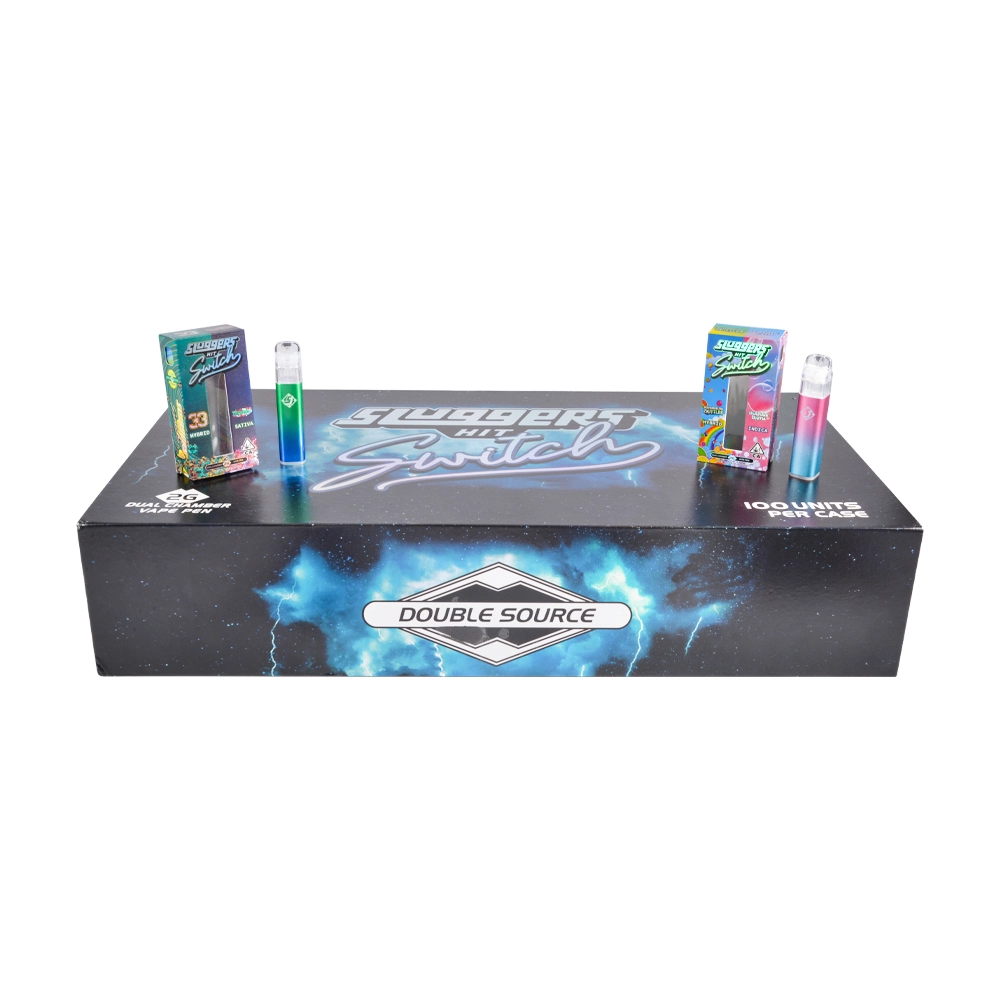
How Sluggers 1g+1g Switching Works: 5-Click Power, 1-Click Flavor Swap, 2-Click Dual Mode
If you’re buying or supporting Sluggers 1g+1g (dual-chamber) devices, most “returns” don’t come from catastrophic failures—they come from mode confusion: people think the device is dead, stuck, or “not hitting,” when it’s actually powered off, on the other chamber, or not in the mode they expect.
This guide explains the most widely published control scheme:
-
5 clicks → Power ON/OFF
-
1 click → Switch between chambers / flavors
-
2 clicks → Dual / blend mode (both chambers simultaneously)
This exact mapping appears in retail-facing operating notes, and it’s also consistent with detailed dual-chamber usage guides from suppliers.
Quick context: what “1g+1g” means on these devices
“1g+1g” is commonly used in marketing to describe a dual-chamber device where each chamber holds its own fill. Hardware-facing listings often describe it as (1ml + 1ml) capacity (2ml total) and note a digital display screen plus Type-C charging.
Important for wholesale: there are multiple “Sluggers-style” dual chamber platforms in circulation, so always treat the click-map as batch/version specific and verify on your approved sample.
Step-by-step: how switching works
1) Power ON/OFF — 5 clicks
What it does: Toggles the device between powered off and powered on states.
How to do it reliably:
-
Click the button five times quickly (steady rhythm, no long pauses).
-
If the device has a screen/LED, you should see a brief indicator change.
Both a retail operation note and a supplier usage guide describe 5 presses/clicks as the power toggle.
Common mistake that causes returns: slow clicks (it doesn’t register as the 5-click pattern), then the customer assumes the device is defective.
2) Flavor swap / chamber select — 1 click
What it does: Switches active output from Chamber A → Chamber B (or vice versa).
Retail-facing instructions explicitly list 1 click to switch flavor, and supplier guides describe single press as switching between chambers.
How to confirm it switched:
-
Look for the display/indicator to change state.
-
If your version shows no obvious UI change, do a quick functional check: switch once, then take a short test draw (draw-activated devices will behave differently per chamber).
3) Dual mode — 2 clicks
What it does: Activates both chambers simultaneously (often called “dual flavor” or “blend mode”).
Retail notes specify 2 clicks to activate dual-flavor mode simultaneously, and supplier documentation likewise describes 2 presses as enabling blend mode.
Why people get confused:
-
Some users expect a “stronger hit” immediately and think it’s not working if they don’t notice a difference.
-
If the device is low battery or one chamber is clogged/empty, dual mode may feel inconsistent—leading to “broken” complaints that are really usability issues.
Optional: some versions add a 3-click preheat
Not every batch/platform has it, but at least one detailed dual-chamber guide describes:
-
3 presses → preheat (often intended for thicker contents)
Wholesale tip: if your batch supports 3-click preheat, include it on your insert card; if it doesn’t, don’t mention it—otherwise support tickets spike (“my 3-click doesn’t work”).
Charging note (because low power mimics “switching problems”)
A common setup sequence in supplier guidance is: USB-C charge for ~45–60 minutes until the LED indicates full, then operate normally.
Retail listings also call out Type-C and provide typical battery/spec context.
Why this matters for returns: A low battery can cause weak output, inconsistent switching feedback, or screen behavior that users interpret as failure.
Troubleshooting: what to do before approving an RMA
“It won’t turn on”
-
Re-try 5-click with a faster cadence.
-
Plug into a known-good USB power source and confirm charge behavior (UI changes, if applicable).
“It won’t switch flavors”
-
Confirm device is actually powered on (5-click).
-
Try 1 click again; watch for any indicator change.
“Dual mode doesn’t work”
-
Confirm 2-click timing (two quick clicks, no pause).
-
If your version supports it, try 3-click preheat first (optional feature).
-
Rule out low battery (charge first).
Wholesale receiving SOP (fast, practical)
To reduce “defective” returns caused by confusion, add a 60-second functional check per sampled unit:
-
5-click ON (confirm UI response)
-
1-click to swap chambers (confirm UI response)
-
2-click dual mode (confirm UI response)
-
If your approved version supports it: 3-click preheat (confirm it triggers)
-
Log the batch/carton ID + any anomalies (screen mismatch, button lag, inconsistent switching)
Authenticity & documentation (quick buyer add-on)
If you’re running a compliant wholesale program, Sluggers publishes a Certificates of Analysis (COA) hub and states products are third-party tested, with COAs organized by category.
While COAs aren’t about switching, they are useful for batch verification workflows and customer confidence.
If you want more vape wholesale, you can go through those pages: empty disposable vape|2ml disposable|slugger|slugger disposable
0 Comments